
Award-winning measuring technology
Floor plans drawn as you walk
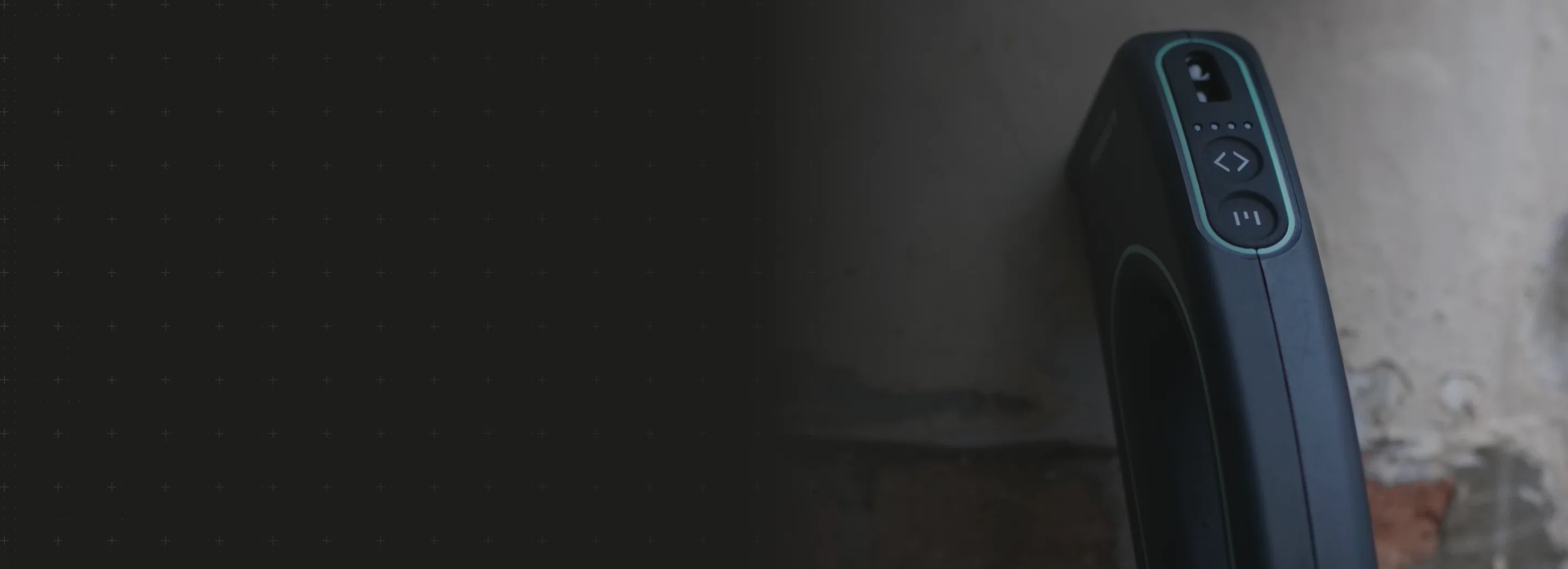
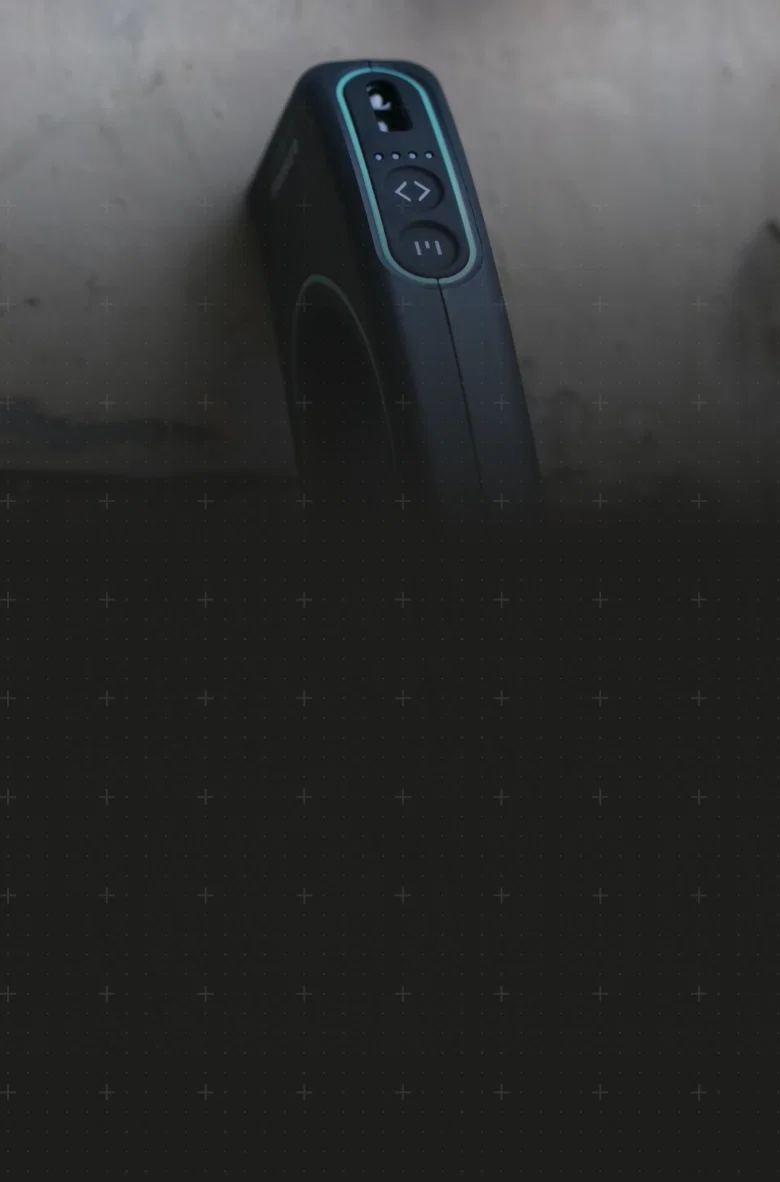
Create accurate floor plans in minutes with Moasure LX1.
Walk a property to measure as you move, capturing walls, doors, windows, and staircases, to quickly generate accurate floor plans and footprints.
Walk a property to measure as you move, capturing walls, doors, windows, and staircases, to quickly generate accurate floor plans and footprints.

Accurate floor plans, instantly

Measure around obstacles

No cost per floor plan

Export to PDF, CAD and more
Revolutionize the way you measure
Create instant, accurate floor plans using Moasure’s trusted motion sensor-based measuring technology.

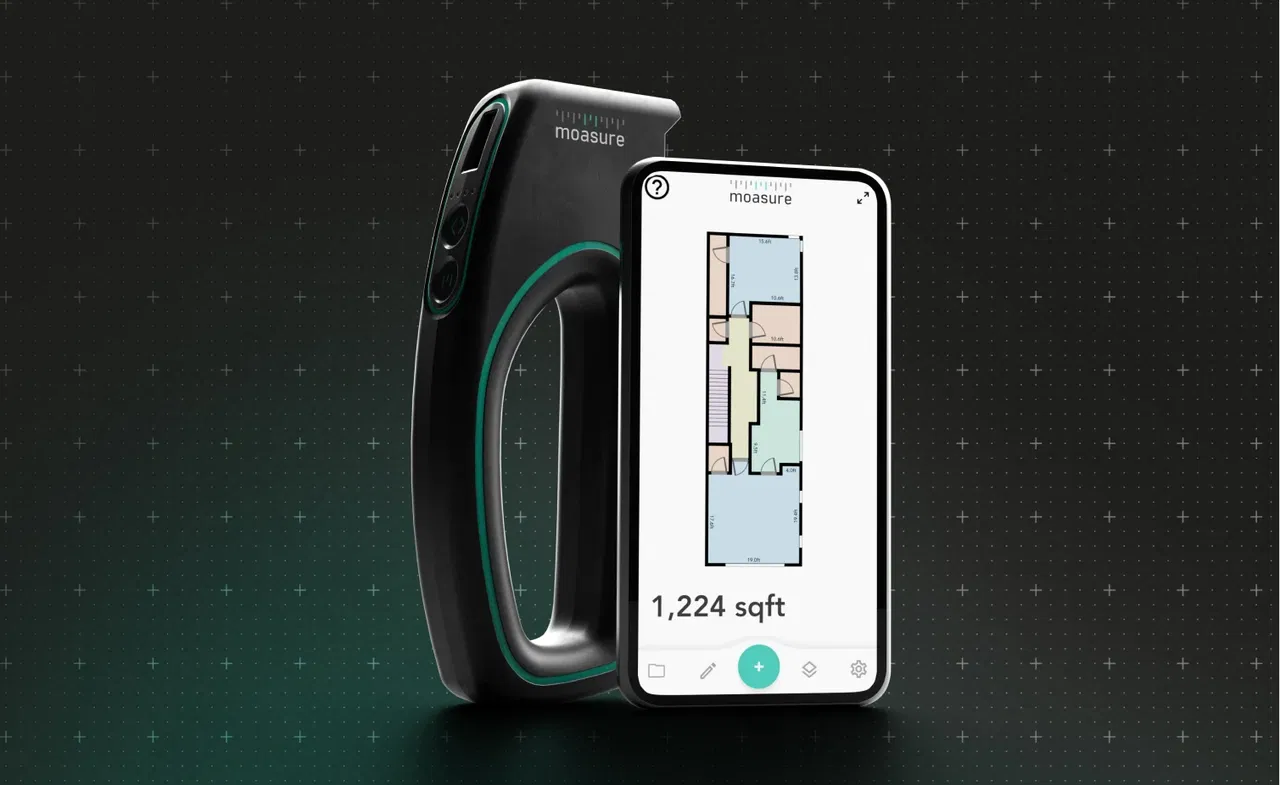
Create complete floor plans in minutes
Color code rooms and add annotations in the Moasure app
Export to CAD, PDF, CSV or as an image
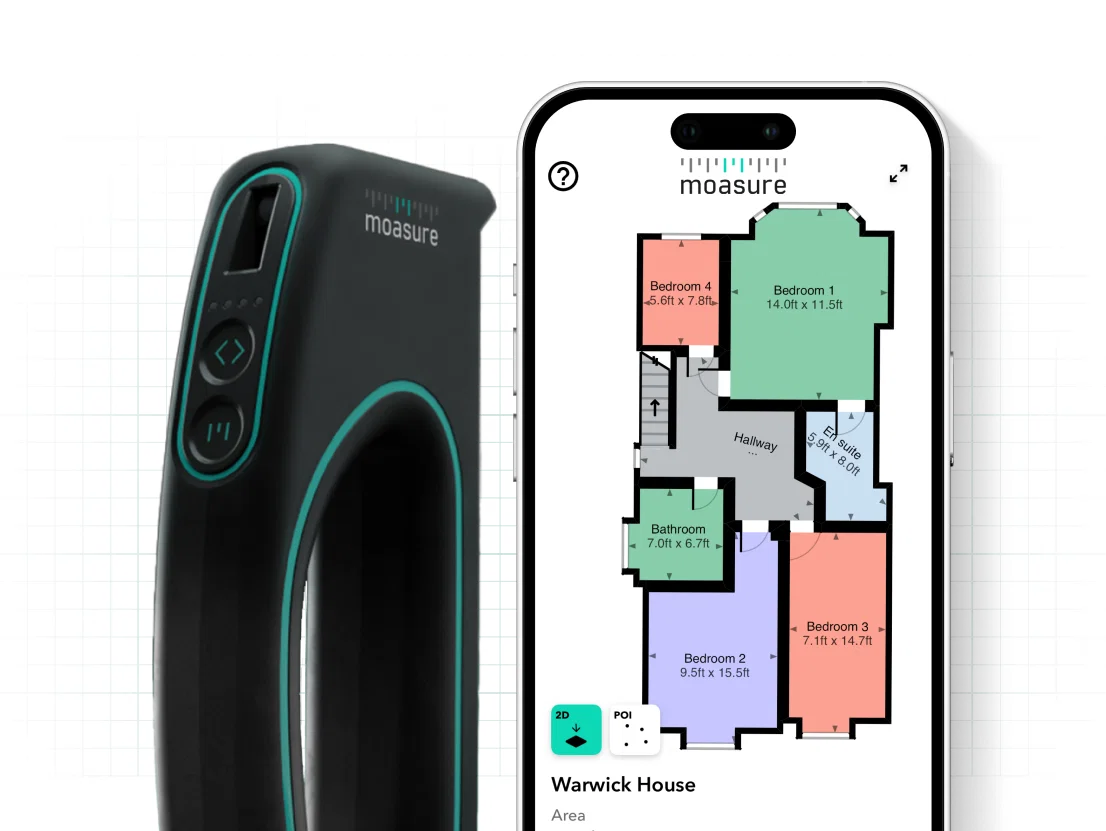
Measure and draw at the same time
Moasure LX1 is designed to do two jobs at once, not only measuring your floor plan but drawing it in real time.
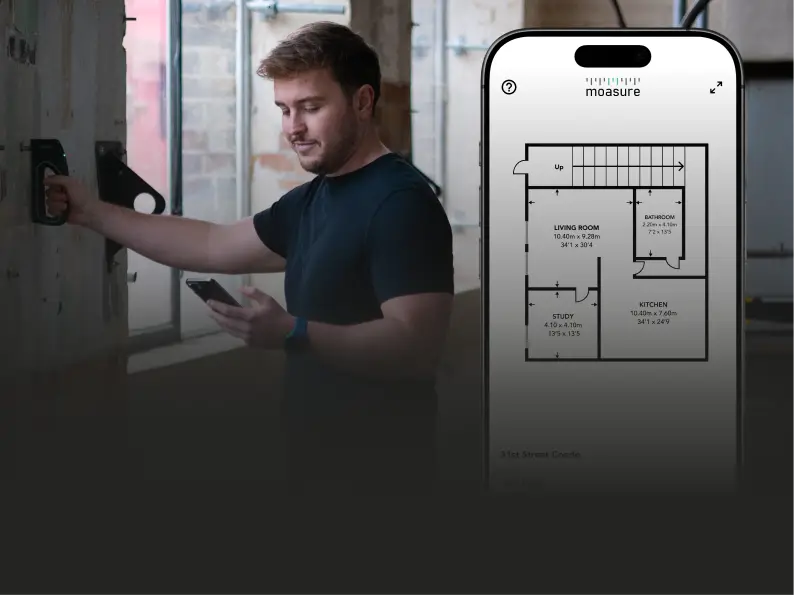
Visualize floor plans in realtime
LX1 measures and draws simultaneously, meaning you can view your floor plan as it’s being created in the Moasure app.
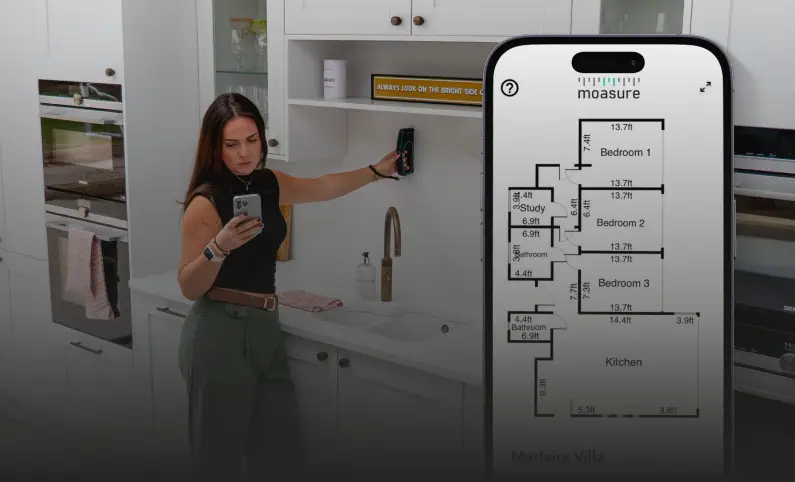
Calculate square footage, perimeter, and more
LX1 produces fully dimensioned floor plans including area and perimeter, as well as ceiling height and true wall thickness

Export to CAD and PDF
Export your floor plan directly to CAD software or share as a PDF, CSV or image – ready for estimating, quoting, design and planning, or documentation.
Built for a range of industries
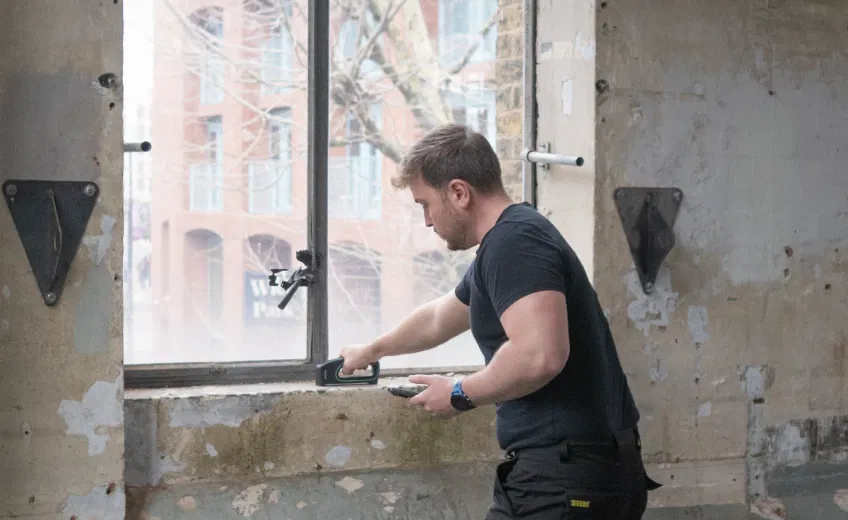
General Contracting
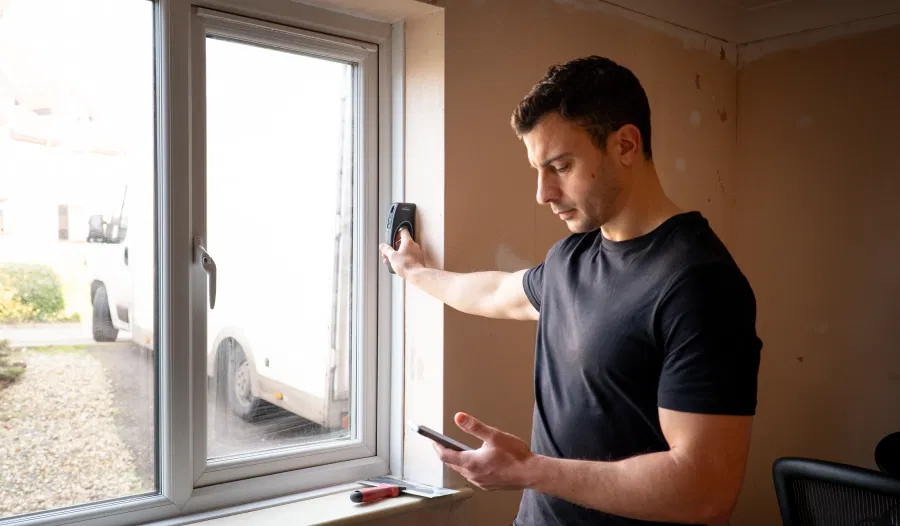
Remodeling
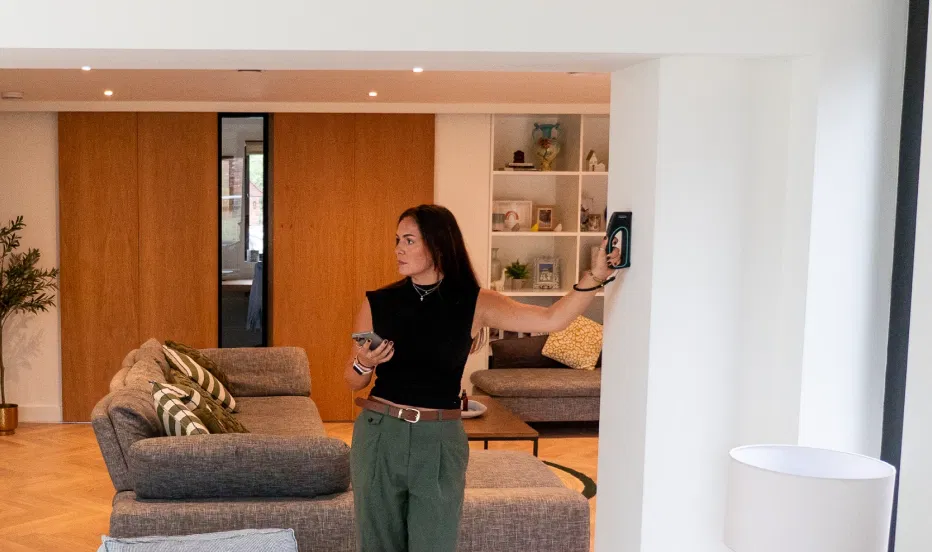
Real Estate
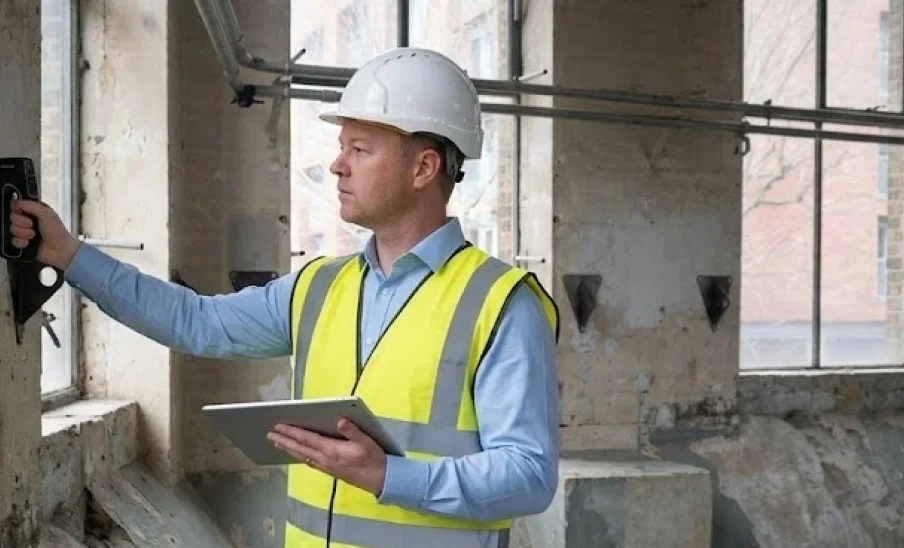
Architecture
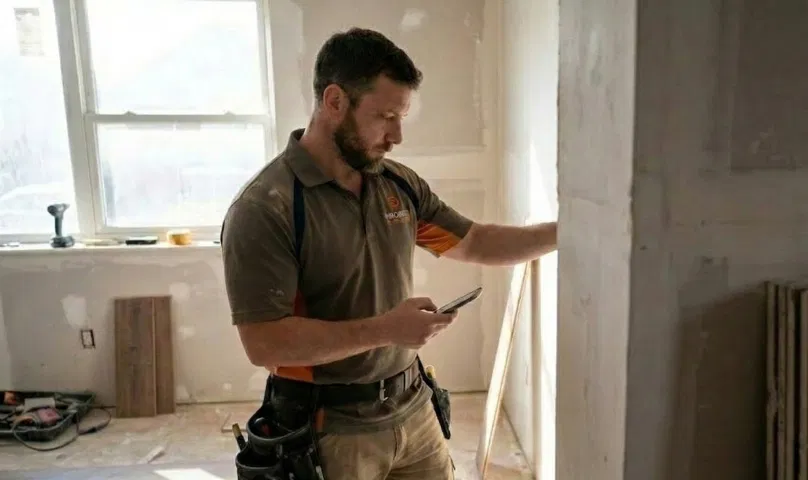
Flooring
99.5% accuracy
Save time – without sacrificing accuracy
Moasure LX1 combines our proven motion-based technology with laser measurement to deliver 99.5% accuracy – so you can capture reliable floor plans in minutes, no second visits required.
Explore Moasure LX1’s features
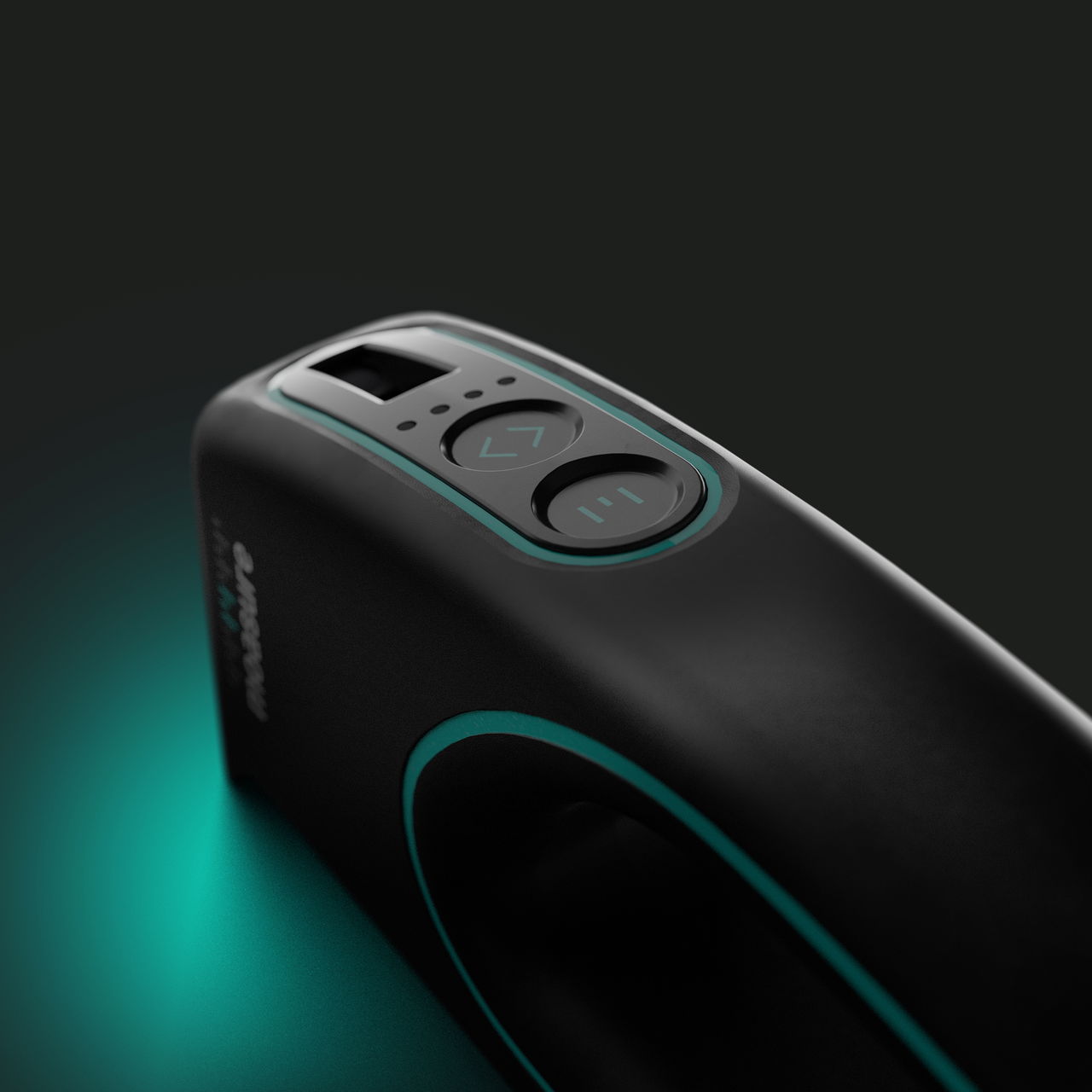
Integrated laser for enhanced accuracy
By pairing Moasure’s motion sensor-based measuring technology with a laser, LX1 blends measurements for optimum accuracy.
Add doors and windows
Easily add and dimension key architectural features. Measure door and window widths and heights as you go.
Measure true wall thickness
Moasure LX1 can uniquely measure true wall thickness to accurately calculate both internal and external footprint areas.
Capture angled walls with ease
Effortlessly measure rooms with complex angles.
External building footprints
Measure and draw the footprint and dimensions of an entire building in the time it takes to walk its perimeter.
Capture ceiling heights
Quickly capture ceiling heights by simply placing the device on the floor.
Get early access
Sign up to our mailing list to be the first to hear when we launch
No subscription required
Moasure LX1
$1499
Sign up to our mailing list for access to our introductory offer.

Create complete floor plans in minutes
Colour code rooms and add annotations
Export to CAD, PDF, CSV or as an image
Frequently asked questions
Everything you need to know about Moasure LX1
There's no fixed limit to the distance you can measure with Moasure. Instead, there's a limit determined by the available memory (RAM) on your smartphone or tablet.
As this varies across phones and tablets, we quote a 'safe' maximum distance of 1000ft and a maximum area of 100,000 sq ft to remain within the memory limit of most smartphones.
For areas larger than this, we recommend breaking up the measurement into a series of smaller measurements and stitching them together retrospectively in CAD software.
Some customers have measured distances of 2,500ft and areas of more than 269,000 sq ft in one measurement.
To achieve results within the max potential error, it's important to follow key techniques, such as: maintaining a fast pace, placing the device quickly and gently, and rotating it gradually.
Moasure 2 PRO
Linear Distance & Elevation: ±0.3% (Max potential error of 0.09ft over 30ft)
Perimeter: ±0.5% (Max potential error of 0.5ft over 100ft)
Area: ±1% (Max potential error of 30ft² over 3000ft²)
Volume: ±1.5% (Max potential error of 75ft³ over 5000ft³)
Layout Mode: ±1% (Max potential error of 30ft² over 3000ft²)
Moasure 2
Linear Distance & Elevation: ±0.5% (Max potential error of 0.15ft over 30ft)
Perimeter: ±1% (Max potential error of 0.5ft over 100ft)
Area: ±2% (Max potential error of 60ft² over 3000ft²)
Volume: ±3% (Max potential error of 150ft³ over 5000ft³)
Layout Mode: N/A
Moasure LX1 combines motion-based and laser technology to deliver up to 99.5% accuracy – providing reliable measurements you can trust on every job.
Moasure doesn’t use GPS, which makes this tool ideal for measuring in remote locations without a signal.
Instead, Moasure uses motion-based measuring technology and a coordinate-based system, relative to the predetermined origin point.
To integrate Moasure into a workflow that currently uses GPS, we recommend using a separate GPS device to locate a known reference point as the origin for your measurement, and then export the Moasure data via CSV. All measurements can then be made relative to this known GPS coordinate externally.
Moasure doesn’t use GPS, which makes this tool ideal for measuring in remote locations without a signal.
Instead, Moasure uses motion-based measuring technology and a coordinate-based system, relative to the predetermined origin point.
To integrate Moasure into a workflow that currently uses GPS, we recommend using a separate GPS device to locate a known reference point as the origin for your measurement, and then export the Moasure data via CSV. All measurements can then be made relative to this known GPS coordinate externally.
Moasure doesn’t use GPS, which makes this tool ideal for measuring in remote locations without a signal.
Instead, Moasure uses motion-based measuring technology and a coordinate-based system, relative to the predetermined origin point.
To integrate Moasure into a workflow that currently uses GPS, we recommend using a separate GPS device to locate a known reference point as the origin for your measurement, and then export the Moasure data via CSV. All measurements can then be made relative to this known GPS coordinate externally.
Award-winning technology – re-imagined for floor plans
Until now, Moasure technology has typically focussed on outdoor measuring. Alan Rock, Moasure Co-CEO, explains why we’re applying our unique measuring technology to a floor plan tool.