
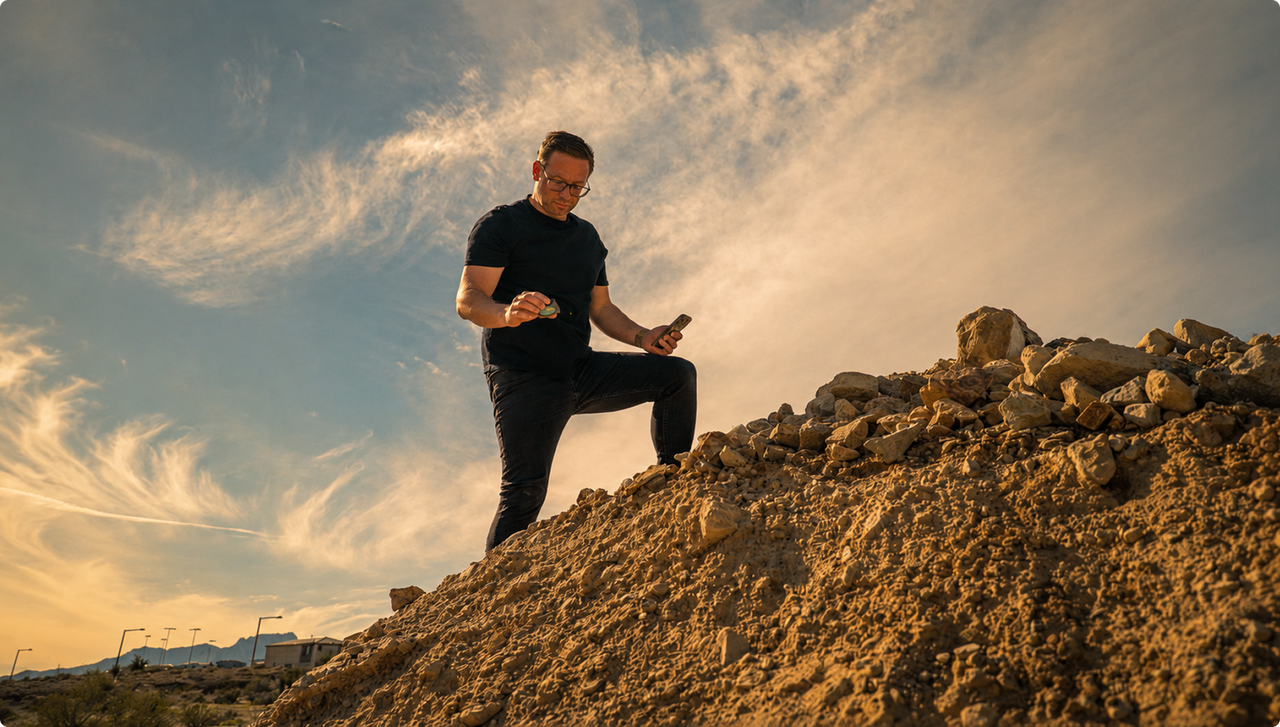

The Moasure 2 Series
Measure landscaping jobs faster — with less guesswork.
Walk the site once and get perimeter, area and volume the moment you stop.
The whole site captured in a single walk
Perimeter, area and volume calculated for you, instantly
Motion-sensor measuring — no GPS, no lasers
Quote on site, bid on more, win more work
Up to 10 hours of battery
IP67 weather-sealed
One-hand, one-person kit
3D AND 2D FEATURES

"Quote on site, bid on more, win more work"
"Quote on site, bid on more, win more work"
"Quote on site, bid on more, win more work"
"Quote on site, bid on more, win more work"
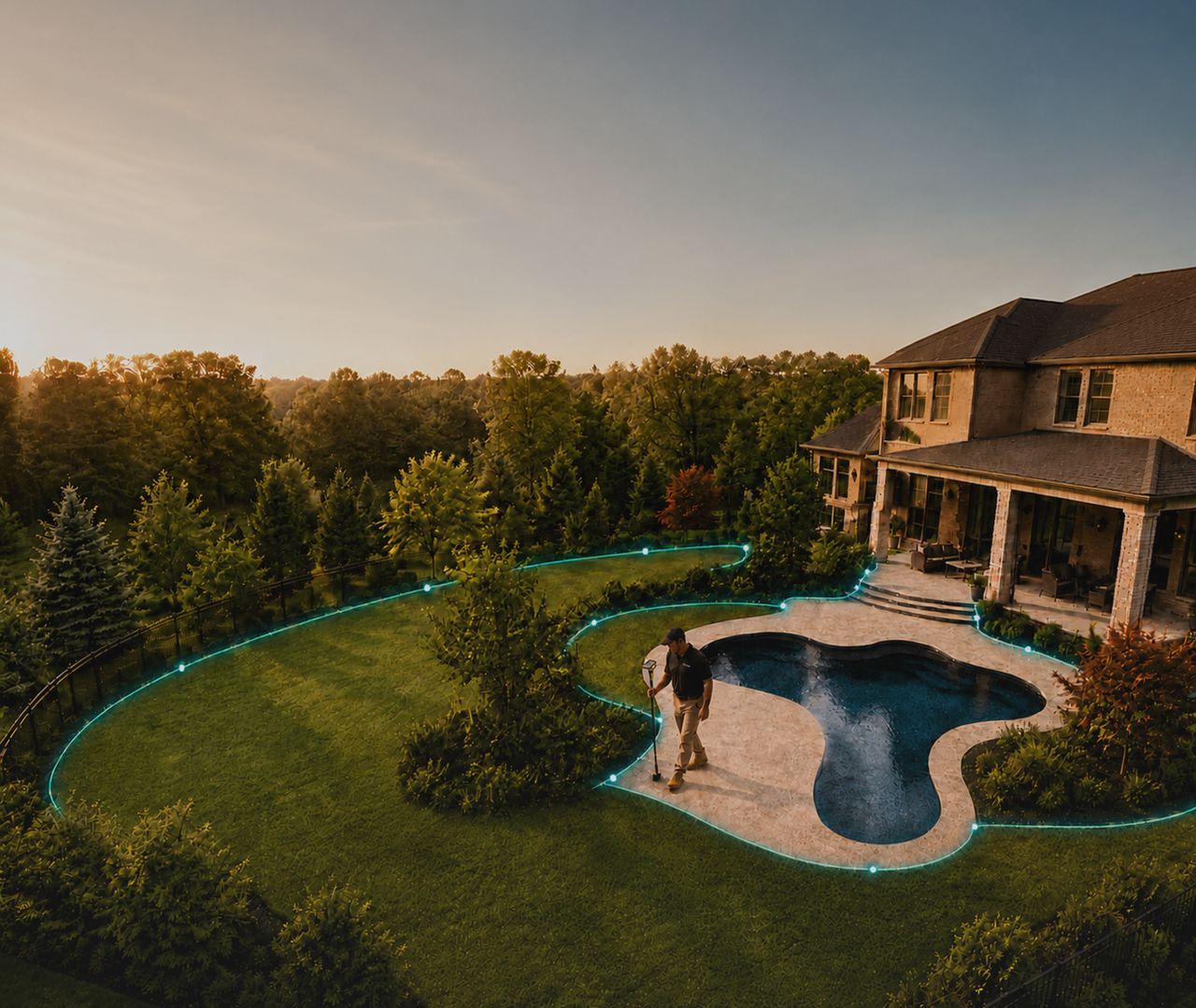
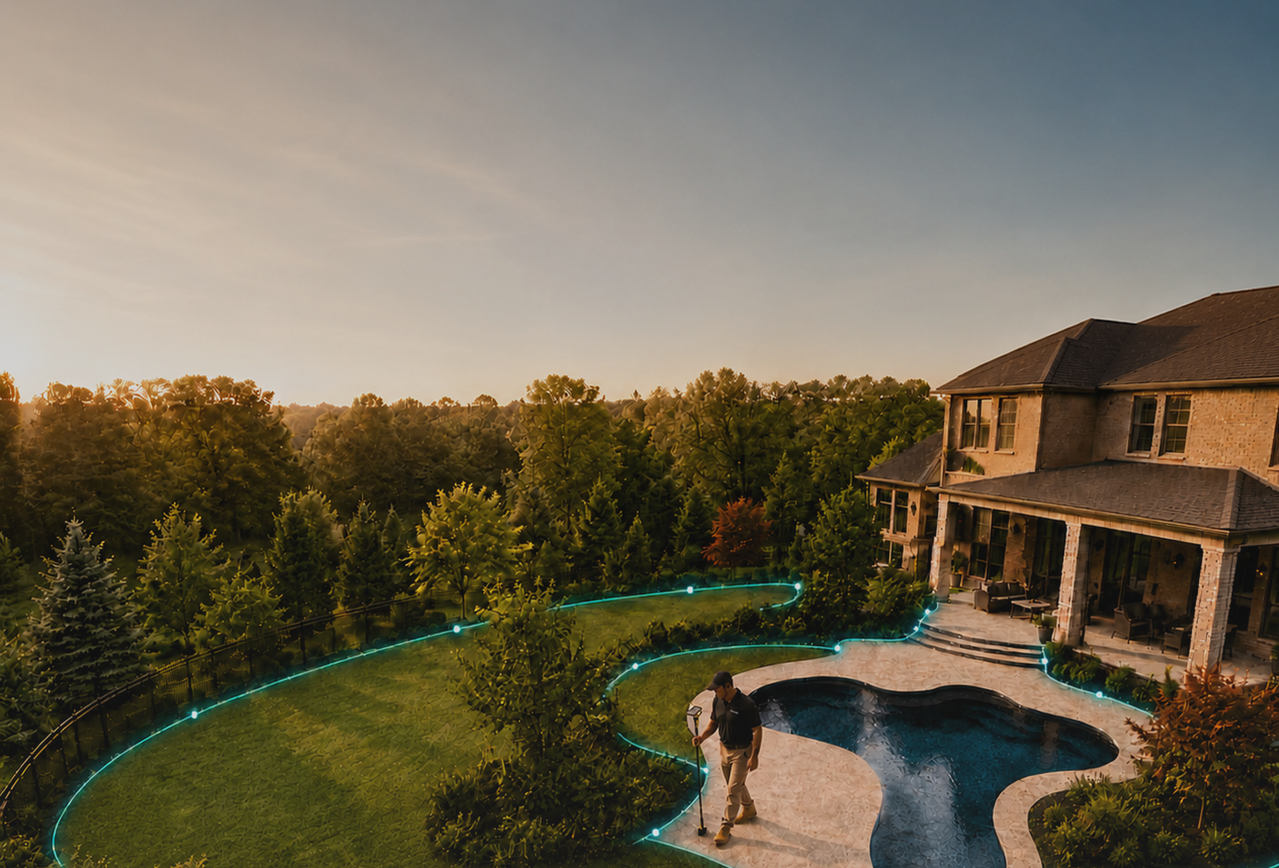
Watch it handle a real landscaping job
From the first point to a finished, exportable plan — on real sites.
Crews are already working this way
Real numbers, from real sites.
The Moasure 2 Series
“Moasure has become standard kit for our estimators. The accuracy has cut rework across our projects.”

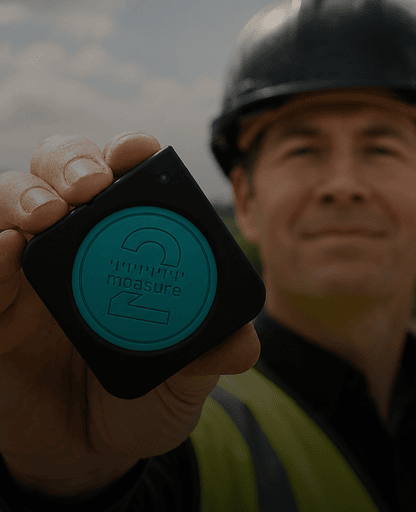
“I can quote the whole run before I leave site.”
Landscaper · Canada 2025
The Moasure 2 Series
“Most of my jobs are irregular shapes I could never measure cleanly with a tape. Moasure dialled my estimates right in.”

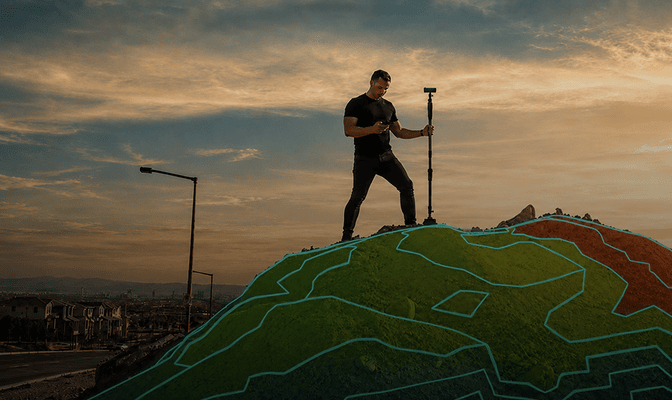
WEBINARS
Watch: Measuring
large sites solo
Landscaper, CANADA 2025
aNDREW SMITH

“I can quote the whole run before I leave site.”
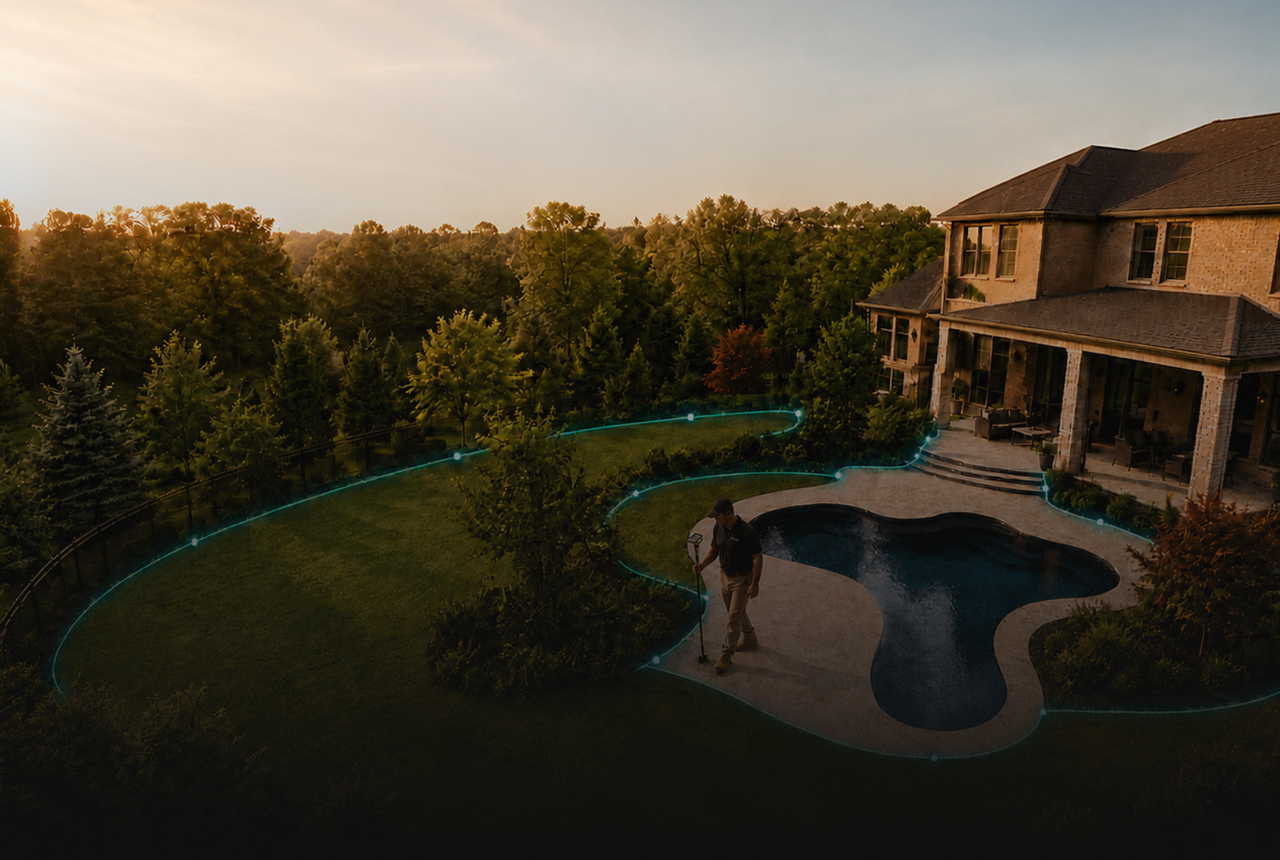
PODCASTS
Listen: The future of
site surveying
Built around what actually slows a job down
Driving back to remeasure
Guessing material quantities
Curves, obstacles and slopes slow you down
Juggling tape, wheel, level and sketches
Tape and wheel look unprofessional

Capture the whole site in one walk, first time
Areas and volumes worked out for you — no under or over ordering
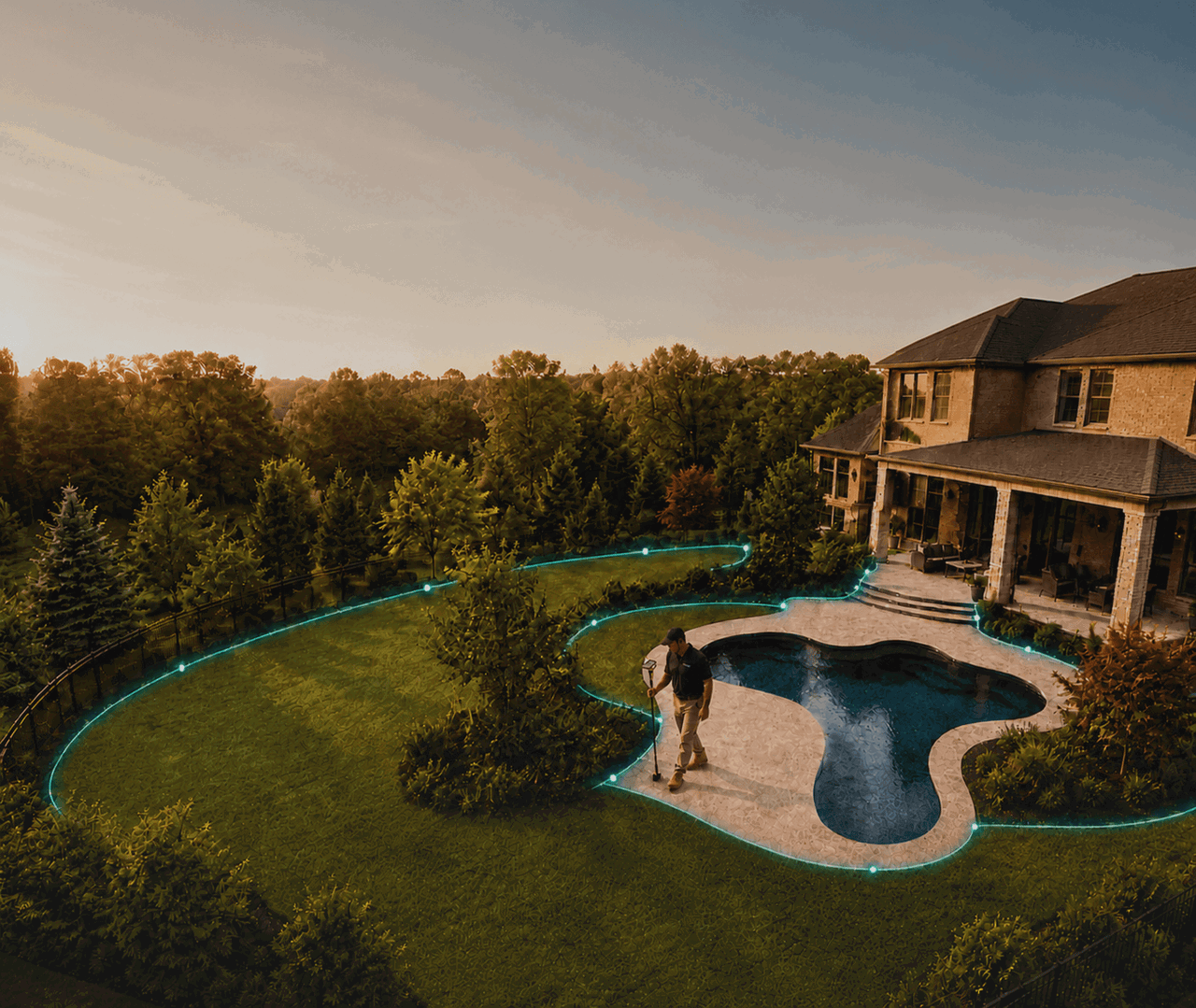
Trace curves, work around trees and planters, capture slopes as you go
Perimeter, area, elevation & volume from one device
Branded plans you can quote from on the spot
Driving back to remeasure
Capture the whole site in one walk, first time
Guessing material quantities
Areas and volumes worked out for you — no under or over ordering
Curves, obstacles and slopes slow you down
Trace curves, work around trees and planters, capture slopes as you go
Juggling tape, wheel, level and sketches
Perimeter, area, elevation & volume from one device
Tape and wheel look unprofessional
Branded plans you can quote from on the spot
The same fast workflow, whatever the job
Step 1
Set your start point and tap go
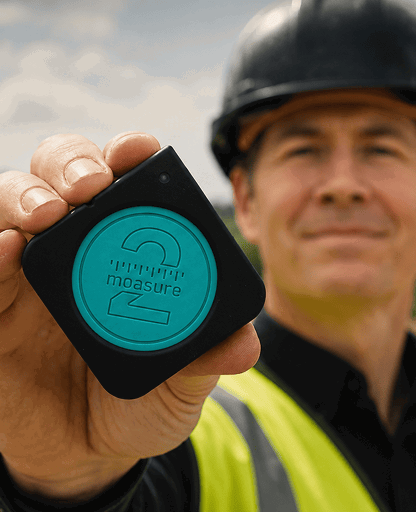
Step 2
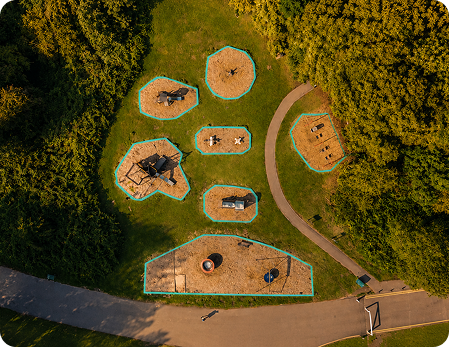
Walk the site — watch the plan draw itself in real time
Step 3
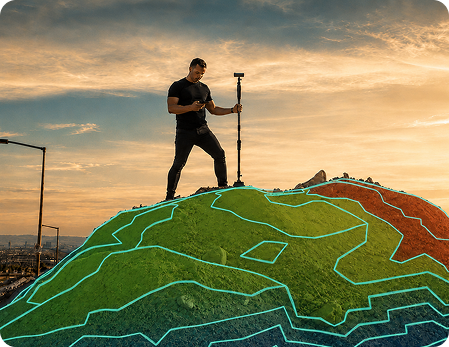
Return to start — perimeter, area and volume land instantly
Step 4
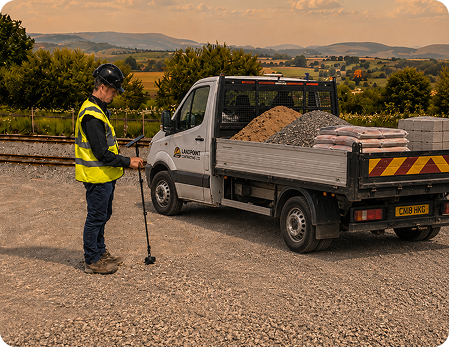
Quote, share or export before you leave
Straight lines (two points)
Trace Line for curves & irregular shapes
Arc & Circle for clean curved edges
No line of sight needed
Built for the jobs you actually take on
From a small back garden to a graded plot — one pass, same speed.
The job keeps moving after the last measurement
Area, perimeter, elevation and volume — plan it, price it, set it out.
In the app — plan it and price it
Add Depth — material for mulch & sub-base
Cut & Fill — level & volume for grading
Area Calculator — avoid under/over ordering
3D surface model
Add Layers
Annotations
Share and export — win the work
Branded PDFs — quote there and then
CAD: DXF & DWG
CSV
Share with clients, crews & designers
Load your coordinates and Moasure walks you to each point on site.
Import your coordinates and Moasure guides you to each point, so you can transfer a design plan straight onto the ground — the same tool at the build stage, not just the quote.
Frequently asked questions
Moasure measures to within ±0.3%. On a 30-metre boundary that's accurate to within about 9 cm — tight enough to quote and order materials from with confidence on real sites, not just lab conditions.
Yes. Once you've measured, areas and volumes are calculated automatically — so quantities for turf, paving, soil and aggregate come straight from the measurement, not a manual estimate. Less guesswork, fewer over- and under-orders.
Yes. Because Moasure captures movement in 3D, it records changes in level as you walk — so slopes, grading and drainage falls are captured in the same pass, not measured separately.
Yes — curves, irregular beds and odd-shaped plots are where it's strongest. You trace the shape as you move and it records the true outline, with no straight-line approximations or hand sketching.
Yes. It's a one-person tool — no second person holding the other end of a tape. You walk the site and it measures as you go.
No. The workflow is simple — start from a reference point, capture points as you move, then stop. Most users are measuring real jobs in their first session.
No. Moasure uses motion sensors and pairs to your phone over Bluetooth — no GPS, no lasers, no line of sight and no internet needed. You can measure anywhere on site, even with no signal.
Yes — export branded, customer-ready PDFs of your measurements and plans straight from the app, ready to send to clients or hand to the crew.
Yes — export to DXF and DWG (plus CSV), so you or your designer can take measurements straight into your CAD software.
No subscription, ever. Once you've bought your Moasure it's yours for good — you'll never pay a subscription fee to keep using it.
We don't put a single figure on it, but customers regularly tell us that a job which used to take a couple of hours now takes around five minutes — because Moasure is so easy to measure with, draws the plan for you instantly, and has the branded PDF ready to send.
Yes — from small residential gardens to larger commercial sites, the same workflow scales across job sizes.
Put Moasure on your next site.
Captured in one visit, ready to export — try it on your next site.
